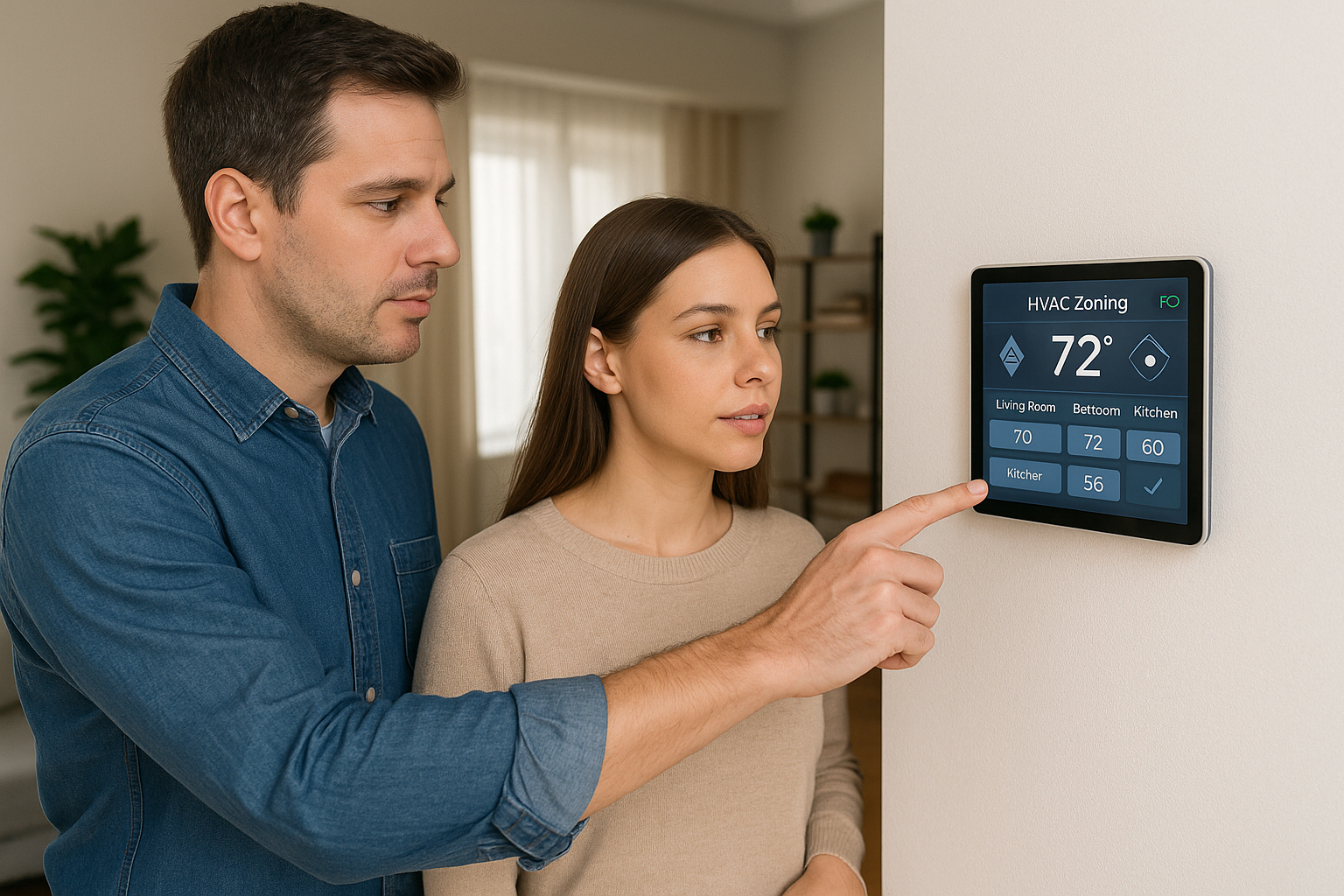





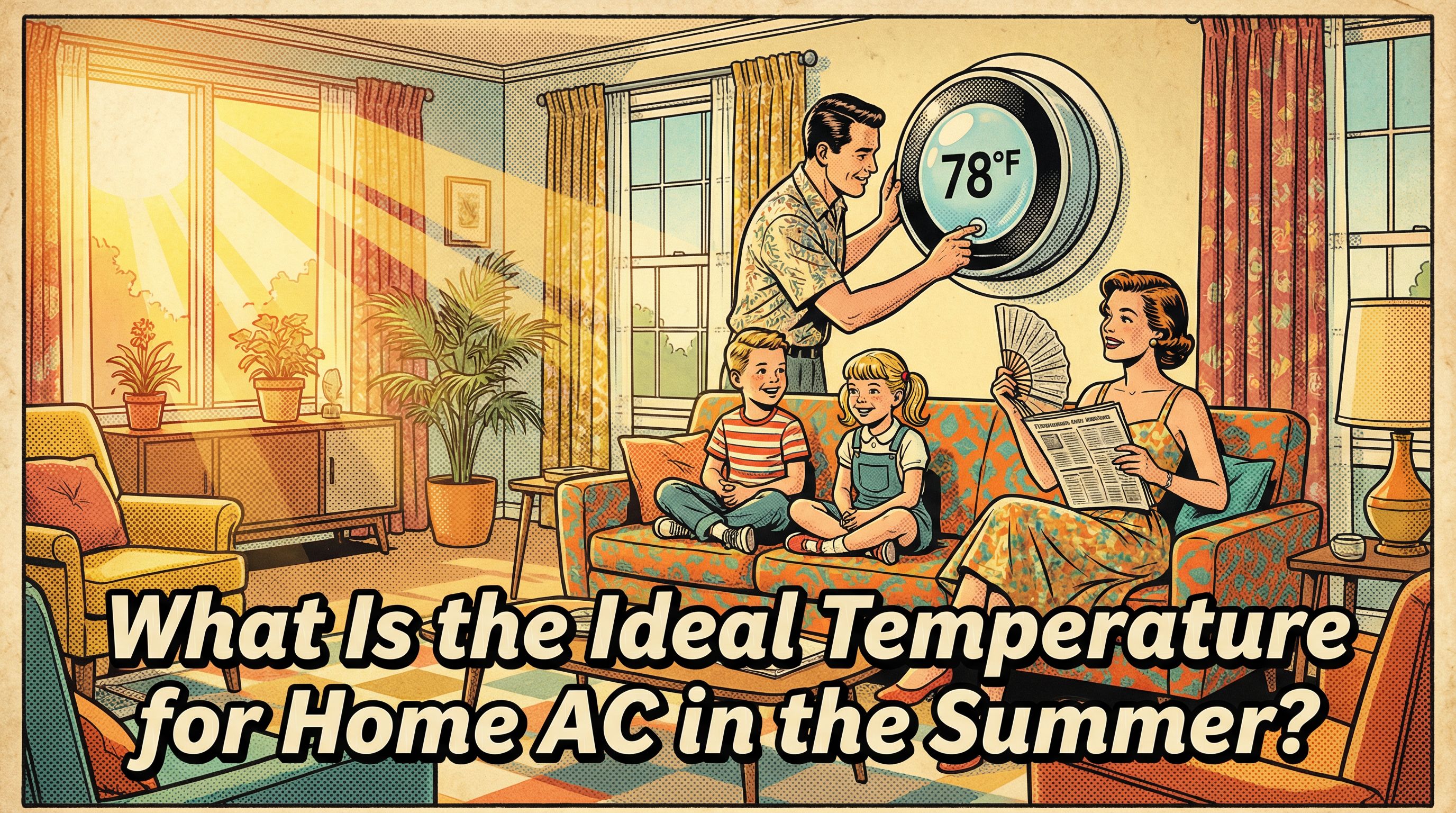
What Is the Ideal Temperature for Home AC in the Summer?
The ideal setting is not a single magic number, it is a workable range that balances comfort with operating cost. A reliable starting point is 78 F (26 C). From there, most homes find a sweet spot between 75 and 78 F, where air still feels crisp without driving up the power bill or overworking the system.
Why a range instead of one setting? Your thermostat choice affects three things at once, energy bills, indoor humidity, and equipment workload. Go much lower, for example 72 F, and the system runs longer, uses more energy, and takes on extra wear. Stay within 75 to 78 F and you usually get steady comfort with fewer long cycles.
Treat the thermostat like a gas pedal. Small adjustments change how hard the system has to drive. Start at 78 F, then nudge down a degree at a time until the space feels right. If the air feels clammy, a slight bump up can lengthen cycles and help the unit remove more moisture. The goal is simple, pick the coolest setting that keeps you comfortable while avoiding the unnecessary runtime that comes with aggressively low temperatures.
Why AC Temperature Matters: Comfort, Health, and Cost
AC temperature sets how hard your system must work. In our field work we see that the lower you set the thermostat, the greater the temperature difference across your home, so the unit runs longer and draws more power. Think of it like pedaling a bike up a steeper hill: every degree lower makes the climb tougher. Comfort lives where indoor conditions feel right, but energy cost rises as you chase colder air. Aim to strike a balance instead of targeting the coldest number on the dial.
Practical rule of thumb: choose the highest temperature in the 75 to 78 F range that still feels comfortable. Raising the cooling setpoint by 1 F can trim utility costs about 1 to 3 percent, so small gains add up. Keep the thermostat in the mid to upper 70s when occupied, then raise it when the space is empty. Make changes in 1 to 2 F steps for fine tuning. Setting a lower number will not cool the home faster, it only keeps the system running longer.
The Common Recommendation: 78 F (26 C) and What It Means
DOE and ENERGY STAR commonly recommend about 78 F during daytime occupancy as a balance of comfort and efficiency. This is guidance, not a legal requirement, and utilities often echo it. A typical starting schedule is 78 F when home, 82 F while sleeping, and 85 F when away, then fine tune to taste.
Real homes are limited by equipment capability. A healthy central AC can generally hold indoor air roughly 20 F cooler than outdoors, the 20 degree rule. If it is 100 F outside, about 78 to 80 F inside is usually realistic. Far lower targets on very hot days are often impractical, because the system is already at the edge of its comfort envelope.
Different Needs: Sleep, Babies, Elderly and Medical Conditions
Comfort targets shift with who is in the room and what they are doing. For sleep, many people settle best with cooler air, commonly around 68-75 F (20-24 C), but preference varies. Treat the thermostat like a dimmer switch, not an on-off button. Start at a familiar setting, then nudge by 1 F until you fall asleep comfortably and wake without feeling groggy or clammy.
For infants, elderly people, or anyone with medical conditions, follow clinician guidance and lower the setpoint modestly when advised. In our field experience, comfort and safety should outrank marginal energy savings every time. Watch for cues such as flushed skin, rapid breathing, shivering, or restlessness, and adjust promptly.
Always account for clothing, bedding, and activity level. Rooms behave differently too. A nursery with blackout shades may hold heat, while a drafty guest room may run cooler. Monitor and tweak in 1 F increments until the household settles into a stable, predictable routine.
Other Ways to Stay Comfortable: Tradeoffs, Myths and Practical Alternatives
Comfort is a blend of temperature, humidity and airflow, not a single number. We often see better results by avoiding common missteps: drastic temperature swings and ignoring humidity or routine maintenance. Think of the thermostat like an elevator button, pushing it harder does not make it arrive faster.
- Myth: Setting the thermostat far below target cools faster. Reality: AC capacity is fixed, a lower setpoint only extends runtime.
- Myth: There is one ideal temperature. Reality: The ideal is a range that depends on humidity, the building and the occupants.
- Myth: Turning the AC off whenever you leave always saves most energy. Reality: Letting the home overheat can be inefficient, planned setbacks are usually better.
Practical alternatives to overcooling: use ceiling or portable fans for wind chill so you can raise the setpoint, place the thermostat away from sun, vents and heat sources, and use moderate, scheduled setbacks instead of on or off extremes.
- If humidity is the main complaint, dropping temperature is not the best choice. Address moisture and airflow first.
- If the home sits empty for long stretches, full shutdowns can backfire. Use timed setbacks.
- If the thermostat is poorly located, setpoint tweaks will mislead the system. Correct placement before reprogramming.
Adjusting for Humidity: When Temperature Alone Isn't Enough
Humidity changes how air feels. When indoor air is moist, sweat does not evaporate well and 78 F can feel muggy. When air is drier, the same temperature feels comfortable. Aim for 40-50% indoor relative humidity, with 30-50% a practical range in many homes.
Cooling lowers temperature, dehumidification removes moisture. If the house feels clammy at a reasonable setpoint, solve the moisture first rather than driving the thermostat lower.
- Set the system fan to Auto in humid weather to improve moisture removal.
- In hot, humid regions, consider a dedicated dehumidifier or a dehumidify mode, since 78 F may not feel as comfortable as it would in a drier climate.
- Persistent high humidity despite normal operation is a warning sign: check airflow, filters, and condensate drainage, or have a technician inspect the system.
How Outdoor Heat, Insulation and Sunlight Affect Your Thermostat Setting
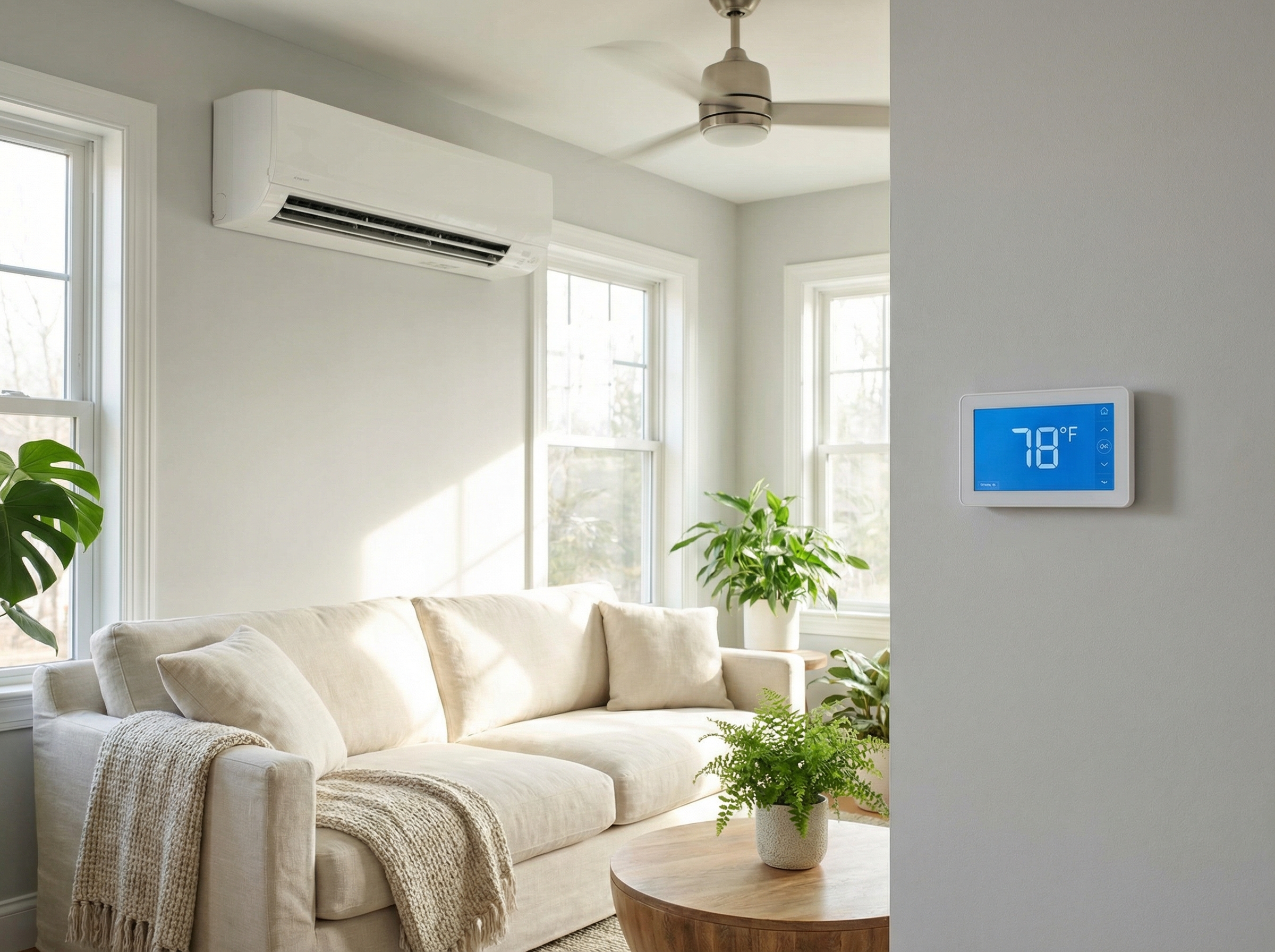
Outdoor heat and sunlight raise the cooling load by driving heat through walls, attic, and windows. The building envelope either slows that flow or lets it in. Think of the house like a cooler: the tighter the lid, the less ice you burn. Tightening the envelope makes the same setpoint feel cooler and helps the system hold 75-78 F without excessive runtime.
- Close blinds and curtains during peak sun.
- Add shade with awnings or trees.
- Use ceiling fans to boost perceived comfort.
- Seal with weatherstripping and air sealing, then add insulation.
- Shift heat producing tasks, such as cooking, to cooler hours.
Older, undersized, poorly ducted, or poorly insulated systems may struggle at low setpoints. If comfort is inconsistent, consider a Manual J load calculation and targeted upgrades.
Energy�Saving Tips: Programmable Thermostats, Setbacks and Smart Controls
Thermostat schedules are your day to day energy lever. Use a programmable or smart thermostat to apply daytime, sleep and away setpoints automatically instead of chasing the temperature with manual changes. Think of runtime like miles on a car, fewer miles mean less fuel. In our experience at Budget Heating (BudgetHeating.com), two to three blocks work best.
- Start with 78 F when home as a baseline, then adjust in 1 degree steps over a few days to balance comfort and savings.
- When the house is empty, raise the setpoint by 7 to 10 F for several hours to cut runtime during that window and lower the bill.
- Set a consistent sleep block. Avoid frequent overrides, and use temporary holds only for short events.
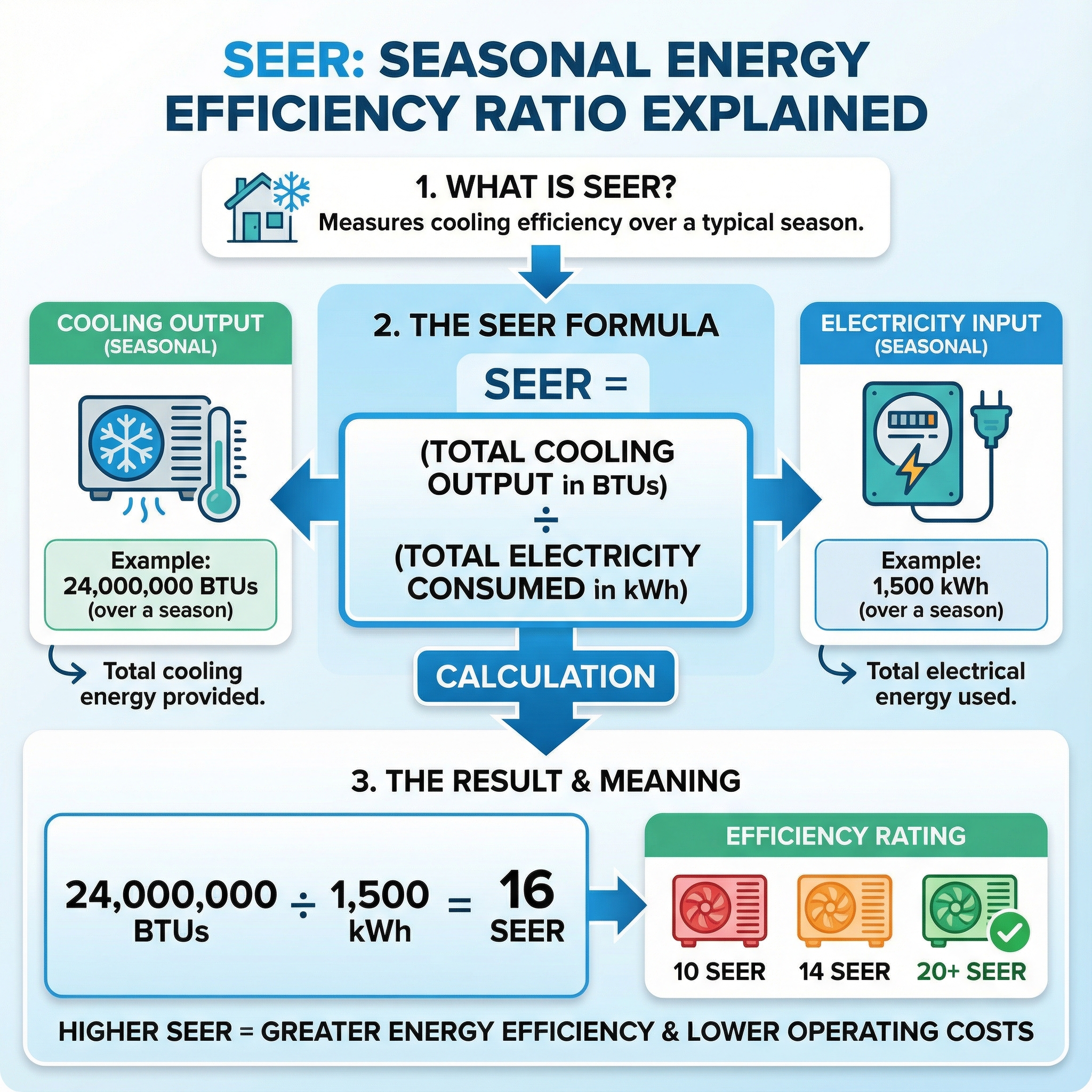
The schedule sets runtime, and efficiency rating, SEER or SEER2, sets power per hour. Your cost is hours times power, so a steady schedule is as important as efficient equipment.
Maintenance & Efficiency: Filters, Coils, SEER and When to Call a Pro
SEER and SEER2 measure seasonal cooling efficiency, like miles per gallon for your AC. SEER2 uses updated tests and is roughly SEER divided by 1.05. Modern systems commonly run 13.4 to 18 SEER2, and premium variable-speed models exceed 20. Current DOE minima require regional 13.4 or 14.3 SEER2, and ENERGY STAR starts around 15.2. Equipment efficiency sets how much electricity you use per hour, while maintenance preserves that efficiency so you hold setpoints with less waste. Upgrading from 13.4 to 15.2 SEER2 cuts about 12 percent, to 18 about 26 percent. Two-stage and variable speed reduce cycling and improve comfort. In our experience at Budget Heating (BudgetHeating.com), these gains show up in real bills and steadier rooms.
- Replace or clean filters every 1 to 3 months with the correct size and MERV, and keep supply and return vents clear.
- Keep 2 to 3 feet of clearance around the outdoor unit and gently rinse the exterior coil if lightly dirty.
- Inspect condensate pans and lines and flush seasonally.
- Call a pro if coils are heavily soiled or oily.
- Contact a technician for condensate overflows or a tripped float switch.
- Seek service for weak cooling despite a clean filter, unusual noises, or suspected refrigerant or electrical issues.
Quick Guide & Practical Takeaways: Pick the Right Summer AC Setting for Your Home
Set 24-26 C (75-78 F) when home. Schedule a 3-6 C (6-10 F) setback when away on a programmable or smart thermostat. Many sleep well at 20-24 C (68-75 F). Use fans and keep indoor humidity near 40-50% to stay comfortable at higher settings. Keep regular maintenance to trim bills and protect equipment. Lower targets if caring for infants, elderly, or anyone with medical needs.
Bottom line: steady settings plus automation and upkeep beat constant fiddling. Every home is different, and we understand the tradeoffs. With 30+ years in HVAC and U.S.-based phone support, our team can help you lock in comfort and savings.
- Get a Custom Quote
- Talk to Our Team by phone for sizing and setup guidance
- Shop Thermostats, Central AC and Heat Pumps