




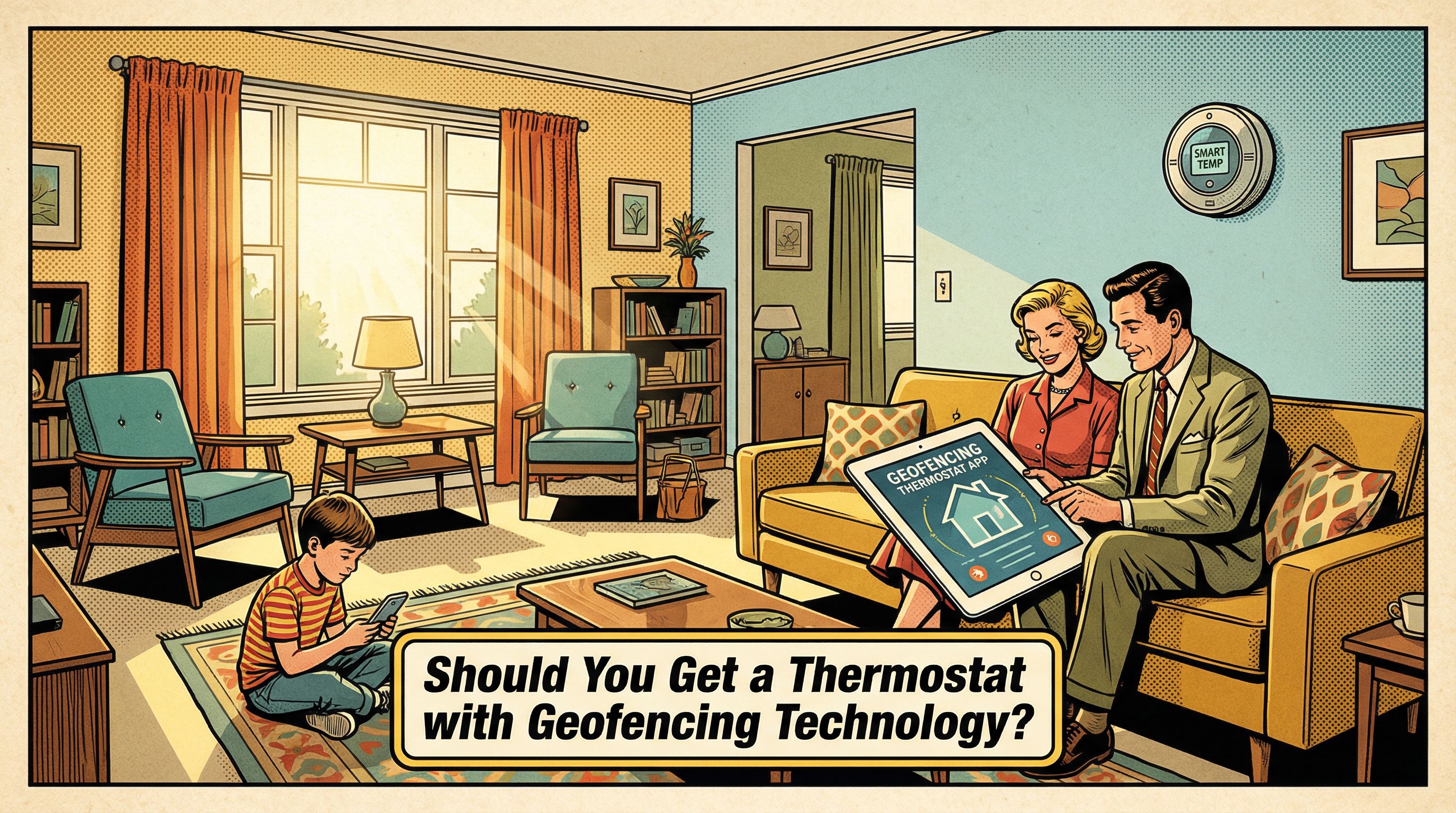
Should You Get a Thermostat with Geofencing Technology?
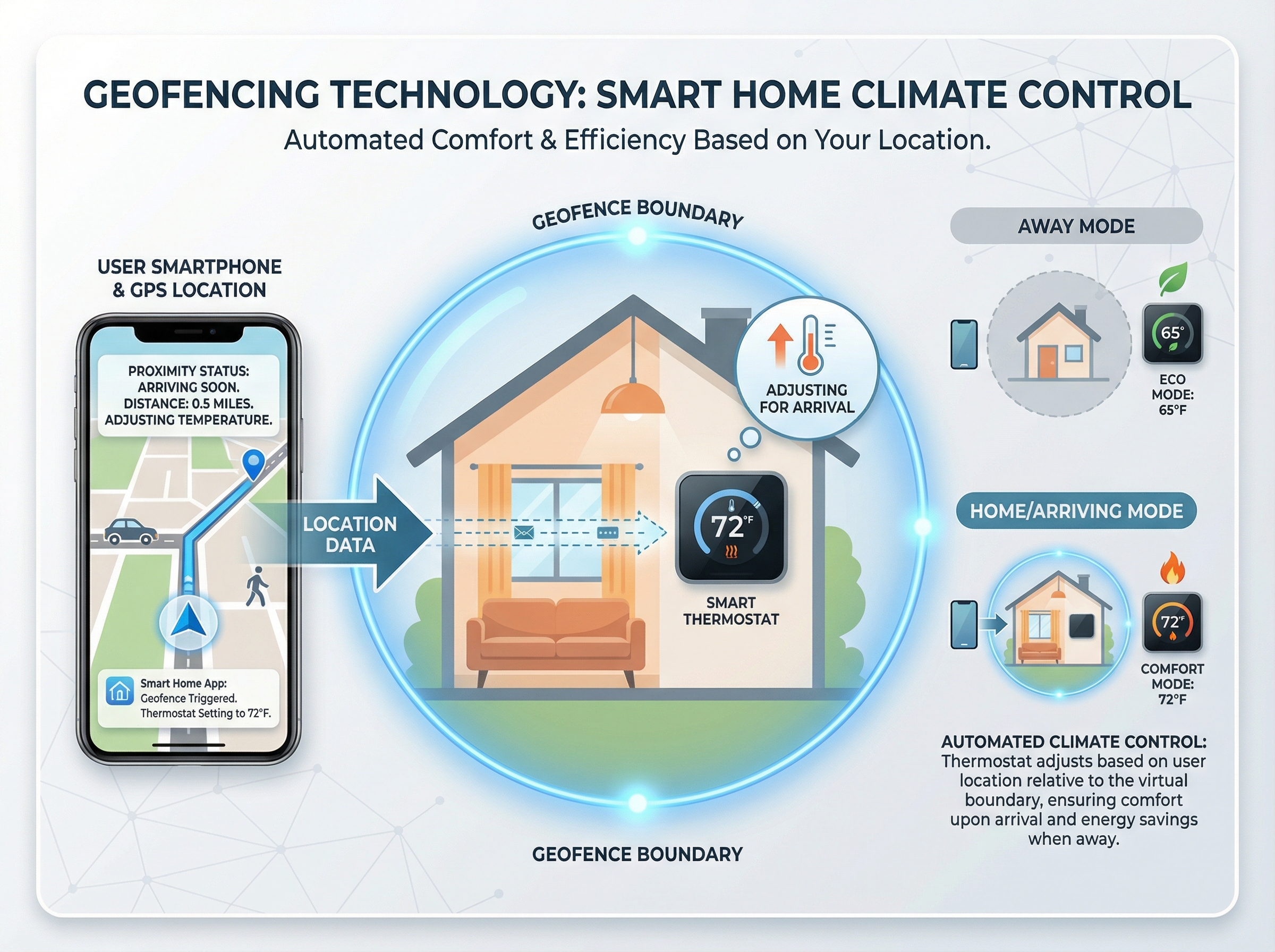
Geofencing thermostats use smartphone location to create a virtual boundary and automatically switch between home and away setpoints. Think of it like an invisible fence around your home: when you leave, temperatures ease back to save energy, and when you head home, comfort ramps up before you walk in.
In this article, we cover how geofencing works, the benefits for energy use and day-to-day comfort, and the trade-offs to consider. We will address privacy implications, such as sharing location data, as well as accuracy limits that can show up with spotty signals or tightly spaced neighborhoods. We also outline compatibility and installation basics, including what to check on your HVAC system and network, plus the smartphone requirements that make the feature reliable.
Finally, we help you decide if it fits your routine. If your household comes and goes on a predictable schedule, geofencing can handle those transitions automatically. If you are home most of the day or prefer manual control, it may be less impactful. Either way, you will know what to expect before committing.
What Is Geofencing and How Does It Work?
We define geofencing as a virtual perimeter around your home that your thermostat uses to decide home or away. Think of it as drawing a circle on a map that flips the system between comfort and energy saving modes.
When you cross that boundary on the way out, the thermostat moves to energy saving setpoints automatically, reducing the need to tweak schedules. As you come back, it notices you are approaching and starts preconditioning, warming or cooling so the space feels right when you walk in. This presence based control stays hands free, improves comfort on arrival, and keeps daily operation aligned with your real routine. It replaces rigid schedules with simple, automatic adjustments that match how you actually come and go.
How Smart Thermostats Implement Geofencing (GPS, Bluetooth, Wi Fi)
Your smartphone does the heavy lifting. With background location enabled, the thermostat app monitors a virtual boundary, like a quiet door chime when you cross a line. Vendors use a hybrid: GPS sets the fence, Wi Fi metadata refines it, and Bluetooth presence confirms actual arrival at the house. When you cross the fence, the phone sends an enter or exit event to the cloud or sometimes straight to the thermostat, which toggles Home or Away and updates the schedule. In our experience at Budget Heating (BudgetHeating.com), keeping Wi Fi and Bluetooth on and whitelisting the app delivers the most reliable triggers.
What you need: a compatible phone, the app installed, and permission for background location. Multi user controls let you choose anyone home or everyone away, and you can exclude guests or non person devices so a spare tablet does not count.
- Reliability killers: aggressive battery savers, OS closing the app, location off, or Wi Fi/Bluetooth disabled.
Accuracy and Real World Limitations of Geofencing
Geofencing is handy for automating comfort, but it lives with limits. Phone location accuracy and signal variability can delay or mis-trigger home and away events, especially in dense neighborhoods or rural fringes. The size of the geofence matters: very small radii act like a tripwire and can cause late pre-conditioning or rapid toggles as the phone drifts in and out. A moderate radius usually smooths behavior, giving the system room to start conditioning before arrival without reacting to every location wobble.
Multi-user homes add complexity. If regular occupants do not run the app, or someone leaves a phone at home, the system can believe the house is occupied or empty when it is not. Plan by making sure all regular occupants participate and by avoiding habits that strand devices. Regional climate also shapes strategy: hot-dry areas benefit from pre-cooling ahead of arrival, very cold regions call for conservative minimum heat setpoints, and hot-humid zones need humidity control to avoid mold risk.
Does a Geofencing Thermostat Require Wi Fi or Mobile Data?
In our experience, most smart thermostats need reliable Wi Fi for app and cloud features, firmware updates, and remote control. You will typically create a vendor account and can enable 2FA. Geofencing relies on the cloud, so both the thermostat and your phone must have internet. If your phone lacks connectivity, whether Wi Fi or mobile data, arrivals and departures may not update until it reconnects. When the internet is down, basic manual control usually still works, but cloud automations pause.
- Keep a simple schedule as a fallback.
- Confirm manual buttons and setpoints work.
- Adjust phone battery optimization to allow background location updates.
Benefits: Energy Savings, Comfort and Everyday Convenience
Smart or geofencing thermostats typically trim HVAC energy use about 10 to 15 percent a year. Savings come from reduced runtime: when the home is empty, the thermostat sets back the temperature, then starts timely pre-conditioning before you return. It is like turning lights off when you leave a room, then flipping them on a few minutes before you walk back in. The equipment itself is not more efficient, it simply runs fewer minutes at the right times.
Comfort and convenience improve, too. Pre-heating or pre-cooling before arrival means you walk into the right temperature without touching the thermostat. That supports a true set-and-forget routine, even when plans change.
Lower runtime also reduces greenhouse-gas emissions wherever heating and cooling carry a carbon footprint.
Who benefits most? Homes with irregular schedules, frequent comings and goings, or commuters see the greatest gains. Stable-schedule households still benefit, just with smaller deltas. In our experience at Budget Heating (BudgetHeating.com), these segments consistently realize the strongest reductions because the thermostat has more opportunities to rest the system without sacrificing comfort.
Privacy, Security and Honest Trade offs (When Geofencing Isn't the Best Choice)
From decades of hands-on HVAC work, we have seen geofencing shine in some homes and stumble in others. The biggest tradeoff is privacy: it relies on location tracking, often in the background. Before enabling it, review app permissions and the vendor's privacy policy, and be sure you are comfortable with how and where your location data is stored and used.
- Highly regular schedules: If your routine rarely changes, a programmable thermostat handles wake, leave, return, and sleep reliably without location data.
- Strong dislike of tracking: Opt for a learning thermostat that adapts without geofencing, or use schedule-based automations tied to smart locks or presence sensors.
- No smartphones or restricted phones: If devices are absent or block background location, motion or occupancy sensors can drive set-backs and recovery instead.
Security should be hardened regardless of the approach: choose thermostats with robust security features, use strong unique passwords, enable multi-factor authentication when available, and turn on automatic firmware updates so vulnerabilities are patched quickly.
Bottom line: pick the simplest tool that fits your routine and comfort preferences. When geofencing does not align with your household patterns or privacy posture, the alternatives above deliver consistent comfort without location tracking.
Compatibility, Brands and How Equipment Efficiency Interacts with Geofencing
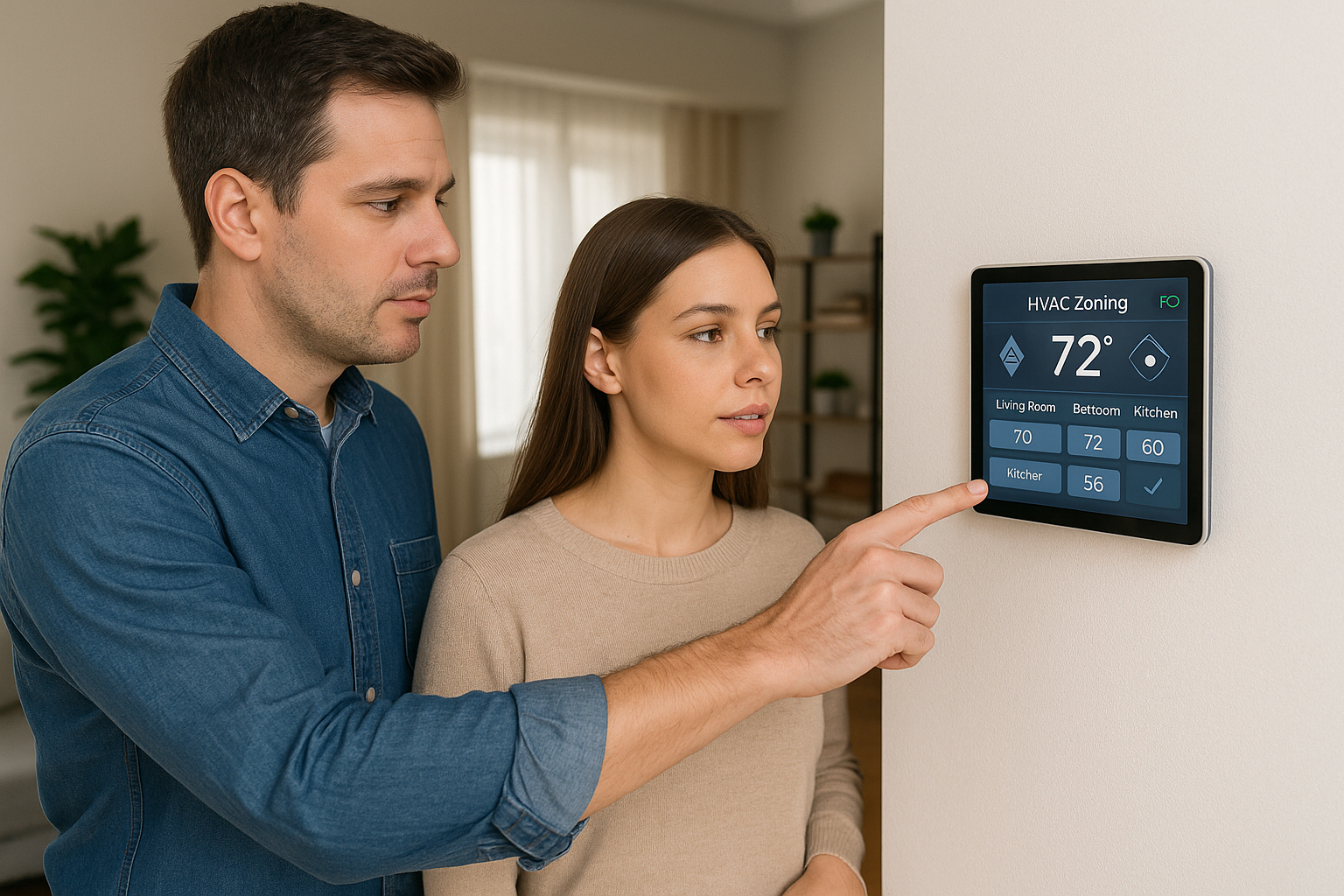
Start by confirming thermostat-to-system compatibility. Not all smart thermostats work with every setup: heat pumps, multi-stage or variable-speed handlers, dual-fuel, zoned systems, or line-voltage heaters. Verify a C-wire is present or that the thermostat supports a power extender. When shortlisting models, prioritize the features you use: reliable geofencing with fallback schedules, learning algorithms, remote room sensors for temperature averaging, humidity control, and clear energy reports. Ecosystems differ: Nest/Google, Ecobee, Honeywell, and Amazon each offer geofencing, but sensor options and smart-home integrations vary.
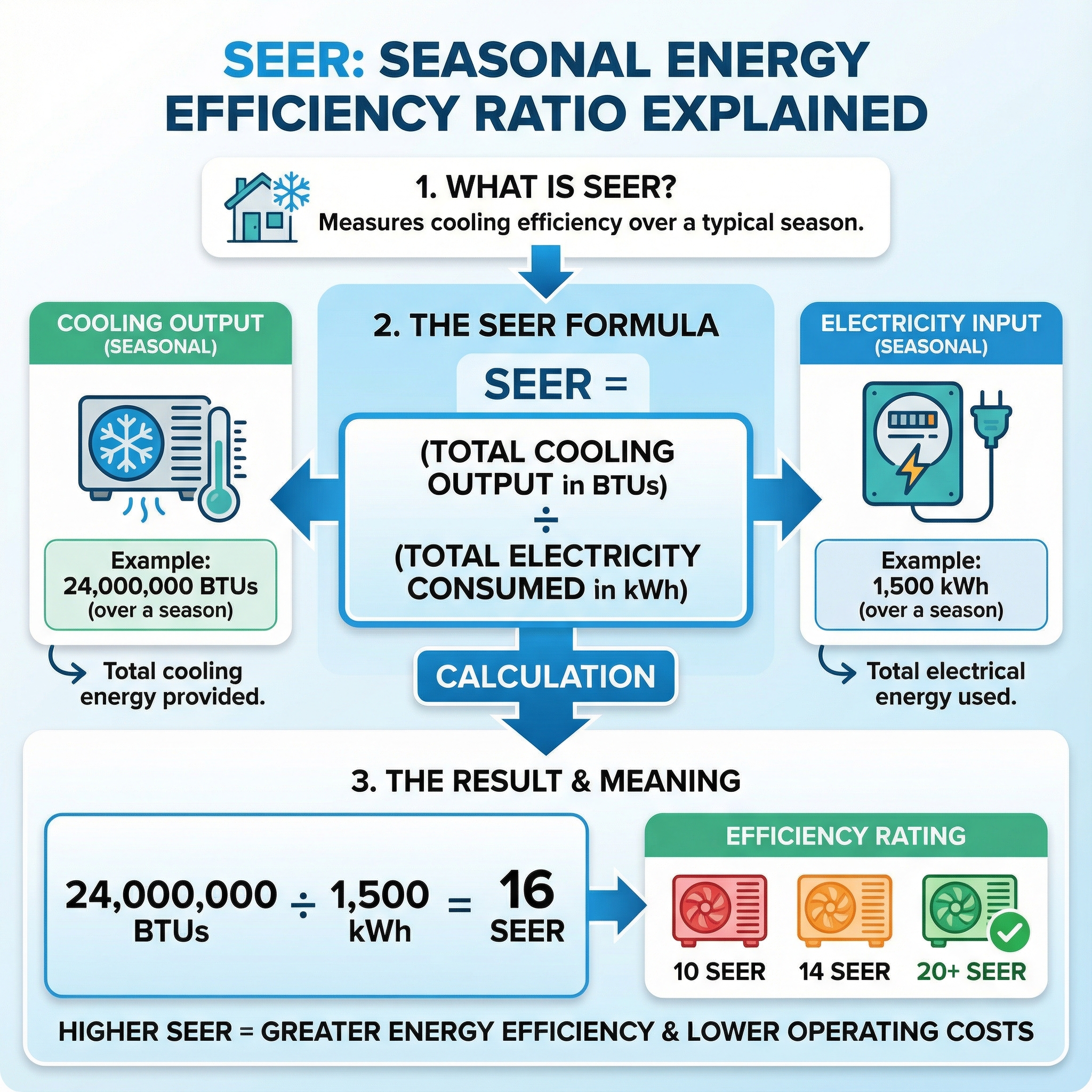
Efficiency is about the equipment, not the thermostat. SEER and SEER2 are the efficiency ratings for cooling equipment, with SEER2 the newer federal test metric. Think of them like miles per gallon: higher numbers generally mean lower operating cost. Thermostats do not raise SEER, but geofencing can trim runtime. Pairing geofencing with a mid or high efficiency unit multiplies savings compared with an older low-SEER system. If you are replacing equipment, aim for higher SEER or SEER2 and add smart control for the best overall result.
Installation, Setup and Safety: Replacing Your Thermostat and Configuring Geofencing
We always start by turning off power at the breaker, then confirm a C wire is present or that a power extender is included. For a simple 24V swap: label and photograph the existing wires, remove the old base, mount the new thermostat, land each wire on the matching terminal, restore power, then follow the guided app setup. Do not modify power feeds, a miswire can take out a control board. Avoid tampering with refrigerant or combustion parts, and mount the thermostat away from sunlight and drafts for accurate sensing.
During setup, pick a geofence radius that fits your commute, add regular occupants to the geofencing group, set conservative minimum heating and humidity limits, and enable notifications and maintenance reminders. Keep firmware updated, replace batteries as prompted, and test the geofence for a week or two to fine tune. Call a pro for heat pumps, multi stage or variable speed, dual fuel, boilers, ductless, line voltage heaters, new wiring, or accessory integration.
Final Recommendation: Is a Geofencing Thermostat Right for Your Home?
Geofencing is a smart buy if your home uses smartphones, your schedule is irregular, and you want comfort on arrival. Expect low double digit energy savings; if your routine is predictable or you avoid location sharing, a programmable or learning model may fit better.
It works best with reliable phone GPS, correct multi user setup, and climate safe setpoints. Before buying, weigh cost versus savings, check rebates and ENERGY STAR, confirm compatibility, C wire needs and integrations, review privacy, then run a 1 to 2 week trial to fine tune. With 30+ years in HVAC, our team can match you to the right model and settings.
- Get a Custom Quote
- Talk to Our Team by phone or chat, U.S. based support
- Shop Thermostats
- Ask about free shipping and Affirm financing