




4 Facts About Smart Thermostats You Need to Know
Smart thermostats are more than a convenience upgrade, they are a practical way to boost comfort, lower bills, protect equipment, and deliver useful data about how your system runs. Here is what this piece will cover in four quick facts: what a smart thermostat is, how it differs from basic and programmable models, the kinds of automation it enables, and the insights and safeguards it adds.
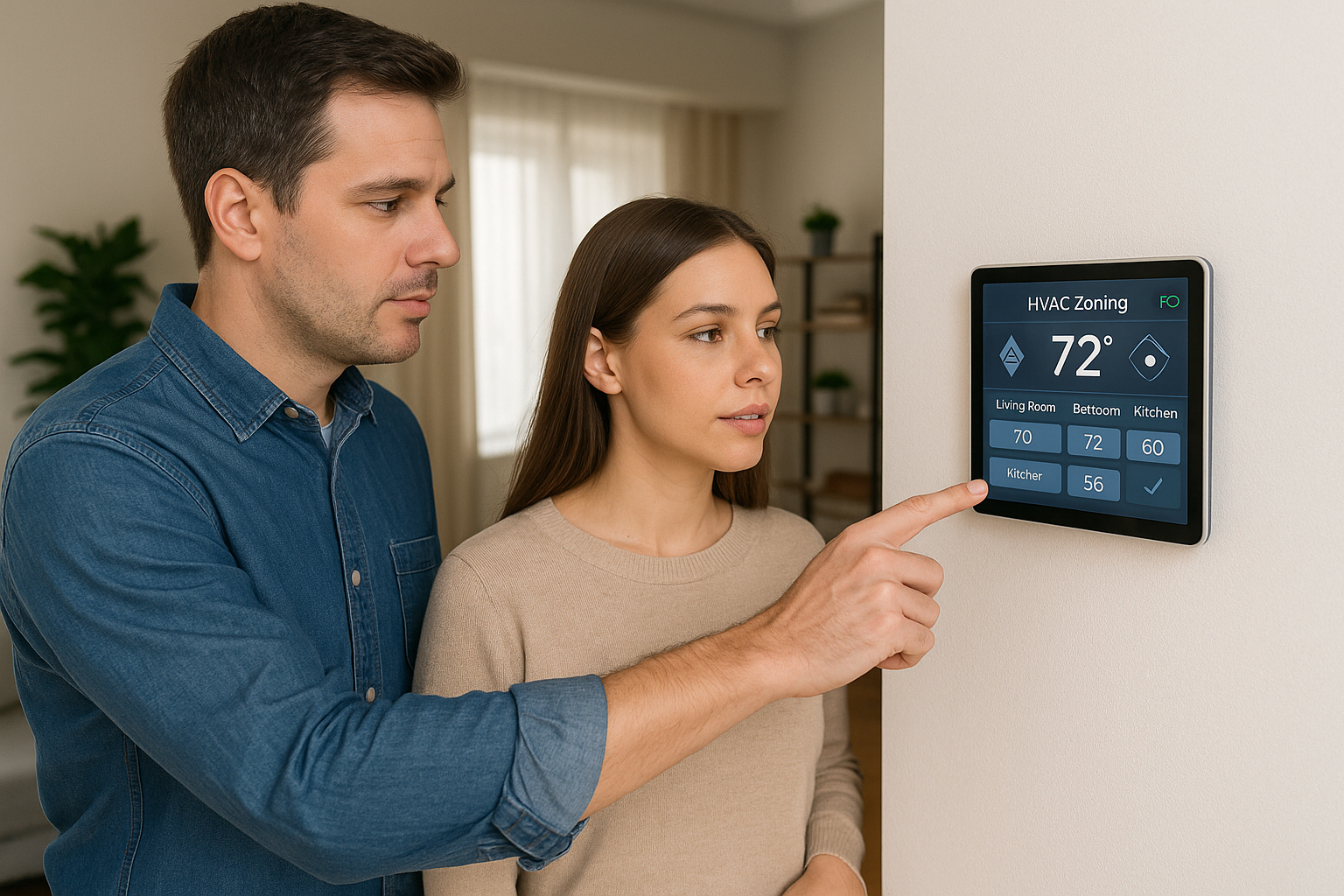
A smart thermostat is a Wi Fi connected control that tracks temperature, humidity, and run time, then adjusts setpoints automatically using schedules, occupancy sensing, and geofencing. Basic thermostats rely on you to make every change. Programmable models follow a fixed timetable. Smart versions respond in real time to presence and weather, fine tune multi-stage heating and cooling, manage heat pump and auxiliary heat balance, send filter and fault alerts, and provide run-time reports you can view in an app.
Why Smart Thermostats Matter: Comfort, Connectivity and Smarter Controls
True smart thermostats learn and optimize automatically, unlike basic programmable or Wi Fi-only models that only run fixed schedules or allow remote tweaks. Think of it as cruise control for your HVAC: it holds the setpoint while adapting to occupancy, habits, and weather. From years in the field, we see automation, connectivity, and data working together to deliver the real gains.
- Comfort: preheats or precools, smooths temperature swings.
- Energy: trims unnecessary runtime with occupancy and weather response.
- Convenience: app control, voice tie-ins, timely alerts and reports.
- Equipment health: gentler staging, filter and service reminders.
Fact 1: How Smart Thermostats Cut Energy Use (and how big the savings really are)
Smart thermostats save by trimming unnecessary runtime. Think of them as a coach for your HVAC, calling smarter plays so the system runs only when it matters. The key moves are simple: set back temperatures when you are away or asleep, pre cool or pre heat before you return so comfort is ready without long peak runs, and use adaptive cycles to prevent overshooting, short cycling, and conditioning empty rooms. The result is less compressor and furnace runtime, which is where most of the energy cost sits.
Configured well, homeowners typically see 8 to 20 percent reduction in HVAC energy use. Climate, schedules, insulation, and equipment type all influence the final number. Usage reports also help. By showing actual runtimes and peak periods, the thermostat highlights wasteful habits so you can lock in the savings over time. In our experience at Budget Heating (BudgetHeating.com), customers who review those reports and keep consistent setbacks sustain the higher end of that range.
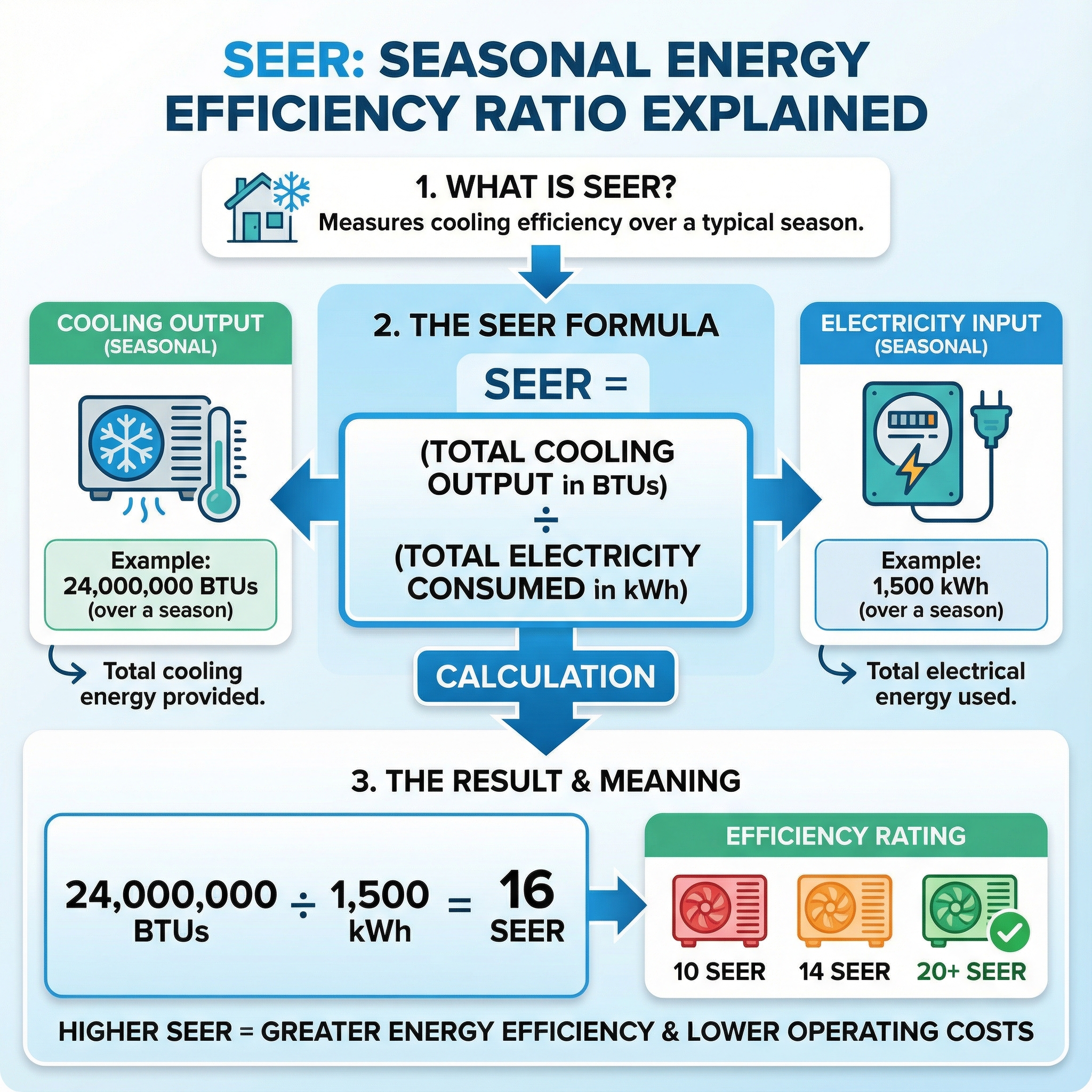
SEER and SEER2 describe how efficient the equipment is. A thermostat does not raise those ratings, it helps you capture more of that potential by cutting run hours and keeping the system in steadier, more efficient operation. Variable speed systems especially benefit from fewer start stop cycles and smoother loads.
Fact 3: Compatibility: Which HVAC Systems Work With Smart Thermostats (and what to check first)
Most smart thermostats are built for 24V systems: forced air furnaces, heat pumps, and many boilers. Line-voltage systems that run on 120 or 240V, like electric baseboard, need a specific line-voltage smart thermostat.
- Identify your system type: Single or multi-stage furnace or AC, heat pump with aux or emergency heat, boiler or radiator, or a zoned system with a panel and dampers. Check the thermostat or control board labels: R, C, Y1/Y2, W1/W2, G, O/B, AUX/E. Multi-stage and dual-fuel setups require models that support those stages.
- Confirm low-voltage power: Look for thin thermostat cable and 24V terminals. If you see thick cables feeding 120 or 240V, that is line voltage and not compatible with most Wi Fi stats.
- C wire and constant power: Most smart thermostats need a C wire. Verify a C at both the thermostat and the air handler or furnace board. If missing, plan for an add a wire kit, external power adapter, or running a new conductor. Think of the C wire as the charger that keeps the thermostat on.
- Accessory support: If you have a humidifier, dehumidifier, or ERV/HRV, confirm the thermostat has dedicated terminals or supports a relay.
- Climate features: In cold regions, ensure proper heat pump staging and aux control. In humid climates, look for humidity-aware controls and remote room sensors.
- When to use a pro: Communicating systems, complex zone panels, steam humidifiers, and any line-voltage setup are best verified and wired by a licensed technician.
Common Myths, Limits and When a Smart Thermostat Isn't the Best Choice
Smart thermostats are powerful, but not magic. In our field work, we see common missteps: not every model is ENERGY STAR certified, not every connected unit truly learns, many are DIY friendly yet still need a C-wire for stable power, and savings are not guaranteed. Setup, schedules, sensor placement, occupancy patterns, and frequent overrides drive results. Think of it like a sports car, it only pays off if it is tuned and driven properly.
- Line-voltage baseboard or proprietary communicating systems: a smart stat often will not be compatible. Use a line-voltage thermostat or the manufacturer's matched control.
- Complex hydronic or radiant with outdoor reset or multiple zones: a dedicated boiler or zone controller, paired with simple 7-day non-connected thermostats, usually performs better.
- Unreliable internet, rentals, or households that constantly fiddle with settings: choose a basic programmable thermostat with temperature limits or a tamper-resistant commercial model for consistent results.
Fact 2: Many Models Learn Your Schedule and Optimize Comfort Automatically
Modern smart thermostats use learning algorithms and geofencing to build a comfort plan around your life. They watch when the house is occupied, note preferred temperatures by time of day, and auto adjust setpoints for sleep, away, and weekend patterns to balance comfort and savings. With phone based geofencing, they can pre condition as you head home and relax the setpoint after the last person leaves. In our experience at Budget Heating (BudgetHeating.com), these features shine in busy households, vacation homes, or inconsistent shift schedules where manual programming is a chore.
To speed up the learning period, make deliberate adjustments for the first week, use Home or Away modes instead of constant overrides, enable motion sensing in key rooms, and add all household members to the geofence. Keep location permissions on, place the thermostat where it sees typical traffic, and let it run a few days between changes so the algorithm can lock in patterns while preserving comfort.
Fact 4: Remote Control, Integrations, Maintenance Alerts and Smart Home Features
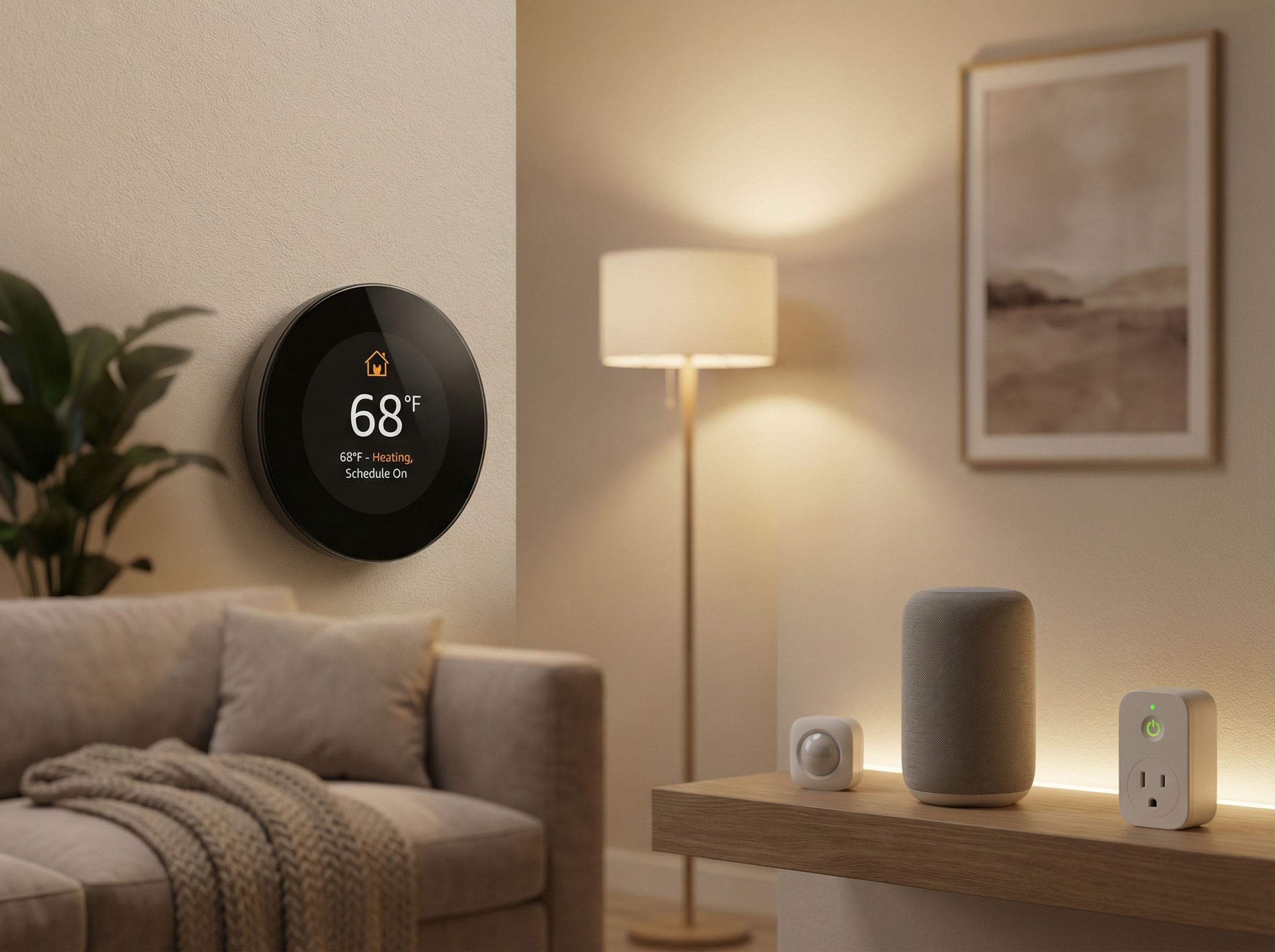
From countless field installs, we see connectivity remove daily friction and protect equipment. Wi Fi and mobile app control let you change settings anywhere, while voice assistants and smart scenes coordinate HVAC with lights or door locks. Geofencing uses your phone's location to switch between Away and Home automatically, preventing forgotten set backs and preconditioning the space before you arrive. Room, humidity, and occupancy sensors help target comfort where it matters.
Maintenance and health alerts are just as valuable. Many smart thermostats send filter reminders, flag unusually long runtimes, and surface fault notifications. That keeps efficiency up and catches issues early. In practical terms, swapping a $15 filter and scheduling a $150 check can avert a $800 to $1,500 coil or compressor problem, turning surprises into simple, planned upkeep instead of emergency repairs.
How Much Can You Really Save? Real-World Examples and Estimates
When you see an 8 to 20 percent HVAC runtime reduction, treat it like a miles per gallon sticker: a helpful guide, not a guarantee. Bill savings follow only as runtime, local energy rates, and your usage align.
Quick way to translate: if cooling averages $150 per month in peak season, a 10 percent runtime cut might trim about $15 in those months. With higher kWh rates or longer seasons, the dollar impact grows.
- Climate and season length
- Setpoints and occupancy patterns
- System sizing and existing efficiency
- Duct leakage and insulation
- Maintenance habits, filters and coils
Granular, location specific dollar ranges need home and system data, which are not provided here.
How to Choose the Right Smart Thermostat: Features, Certifications and Budget Tips
We start with compatibility. Confirm wiring, especially a C-wire, and match the stages of heating and cooling. If you have a heat pump with auxiliary heat, ensure the thermostat supports it. Pick features that fit your home and routine. Remote room sensors help multi-story or drafty homes. Humidity control matters in muggy climates. Learning and geofencing automate schedules.
We prioritize certification and rebates. To earn ENERGY STAR, smart thermostats must show field-verified savings by reducing HVAC runtime, meet strict hardware and network power limits, and provide special reporting for heat pump auxiliary heat. Utilities commonly base rebates on the ENERGY STAR list, so certified models often unlock incentives and credible performance. Compare apps for clarity, remote access, and data export, and read privacy policies to know what data is collected.
Quick Recap: Are Smart Thermostats Worth It (and next steps)?
Bottom line: when matched and set up correctly, a smart thermostat blends comfort, efficiency and connectivity, typically trimming HVAC energy use about 8 to 15 percent and adding equipment protecting alerts. Success comes from verified compatibility, clean wiring, solid Wi-Fi, and acting on maintenance signals. Every home is different, so choose the model that fits your system and routines. Our U.S.-based team with 30 plus years in HVAC can confirm fit fast and help you compare options.
- Get a Custom Quote for the right thermostat and accessories
- Talk to Our Team by phone to verify compatibility and setup
- Shop Smart Thermostats with wholesale pricing and full warranties